October 2026
This page documents all customer-facing changes to the DataGrail application made in October 2026. Additional entries will be added every week on Friday.
Week of October 12
🚀 Features Added
- Superwall is now available as a Request Manager integration, so you can automate Access and Deletion requests against Superwall instead of handling them by hand.
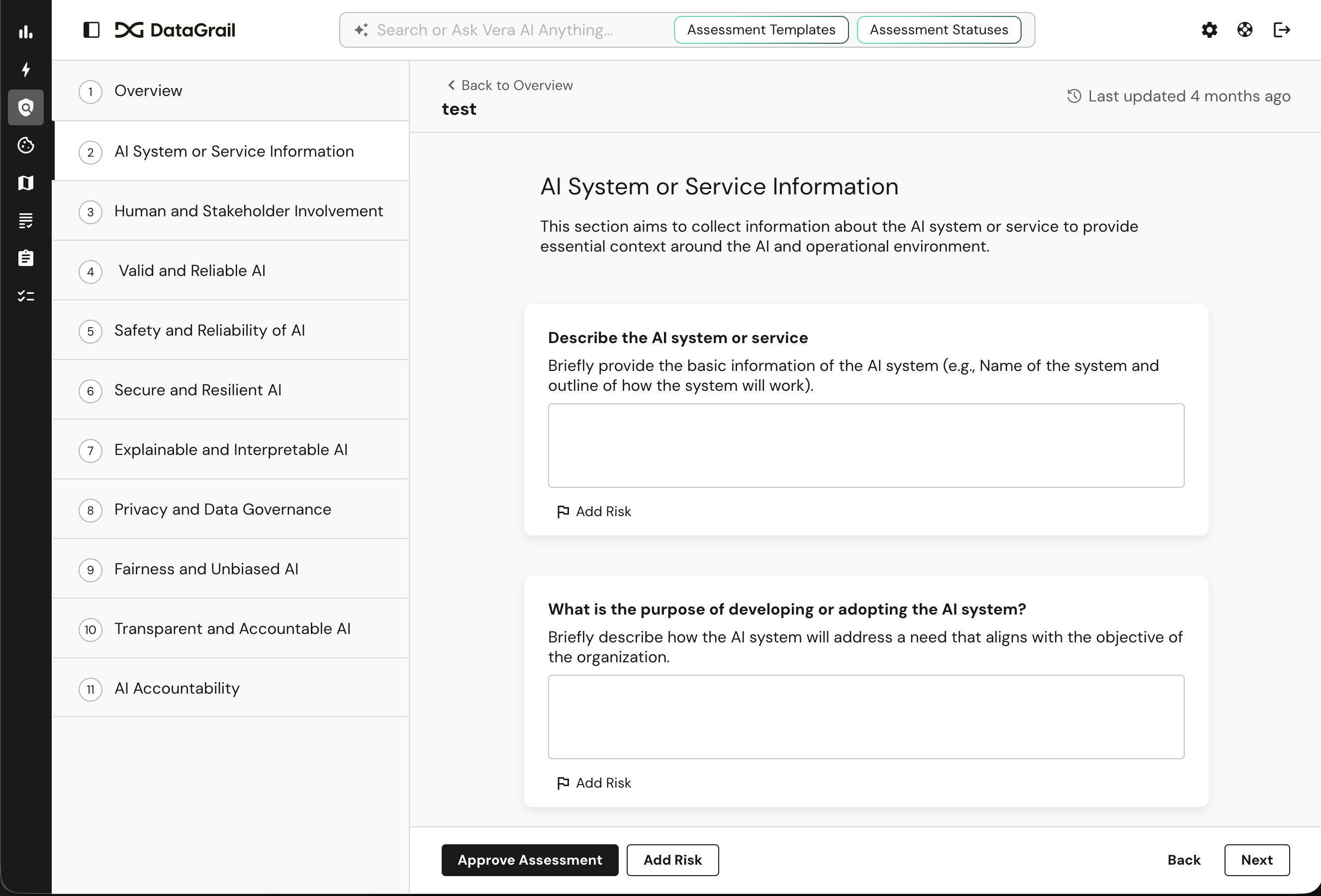
- Assessments can now require answers before submission. Admins and Risk Monitor Admins can turn on Required Questions under Settings → Risk Management → Assessments, so you no longer have to chase missing answers after an assessment is submitted. When several people contribute, only those assigned to an unanswered required question are blocked; everyone else gets a warning and can still submit.
🛠 Changes Made
- Assessment Creators, Assessment Requesters, and Inventory Managers can now select systems and processing activities on assessments. Assessment Contributors can no longer edit assessment details.
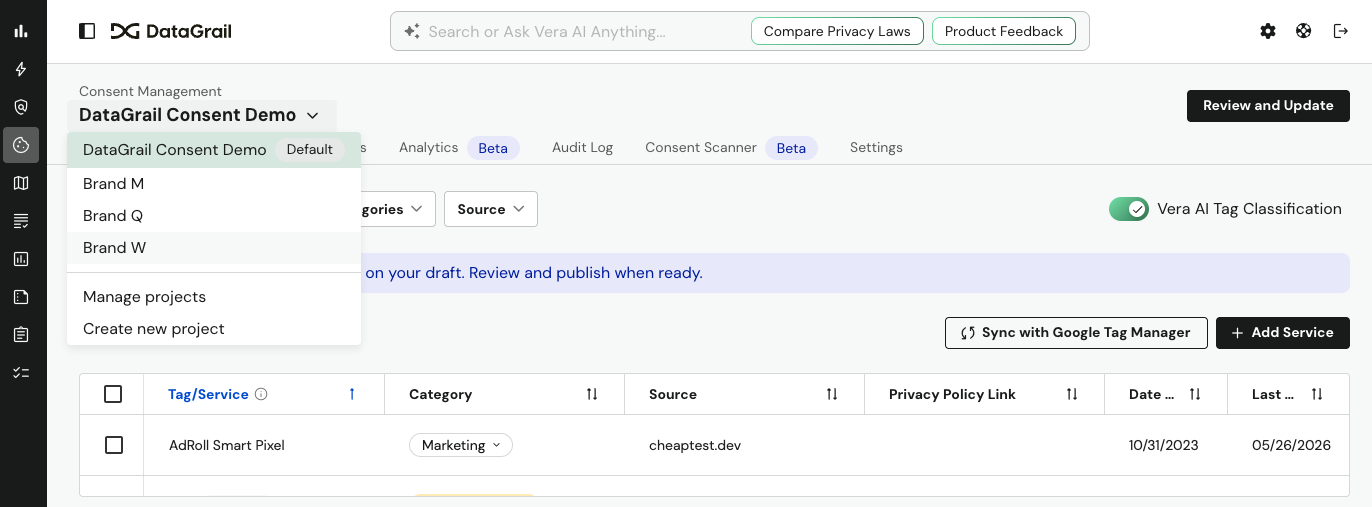
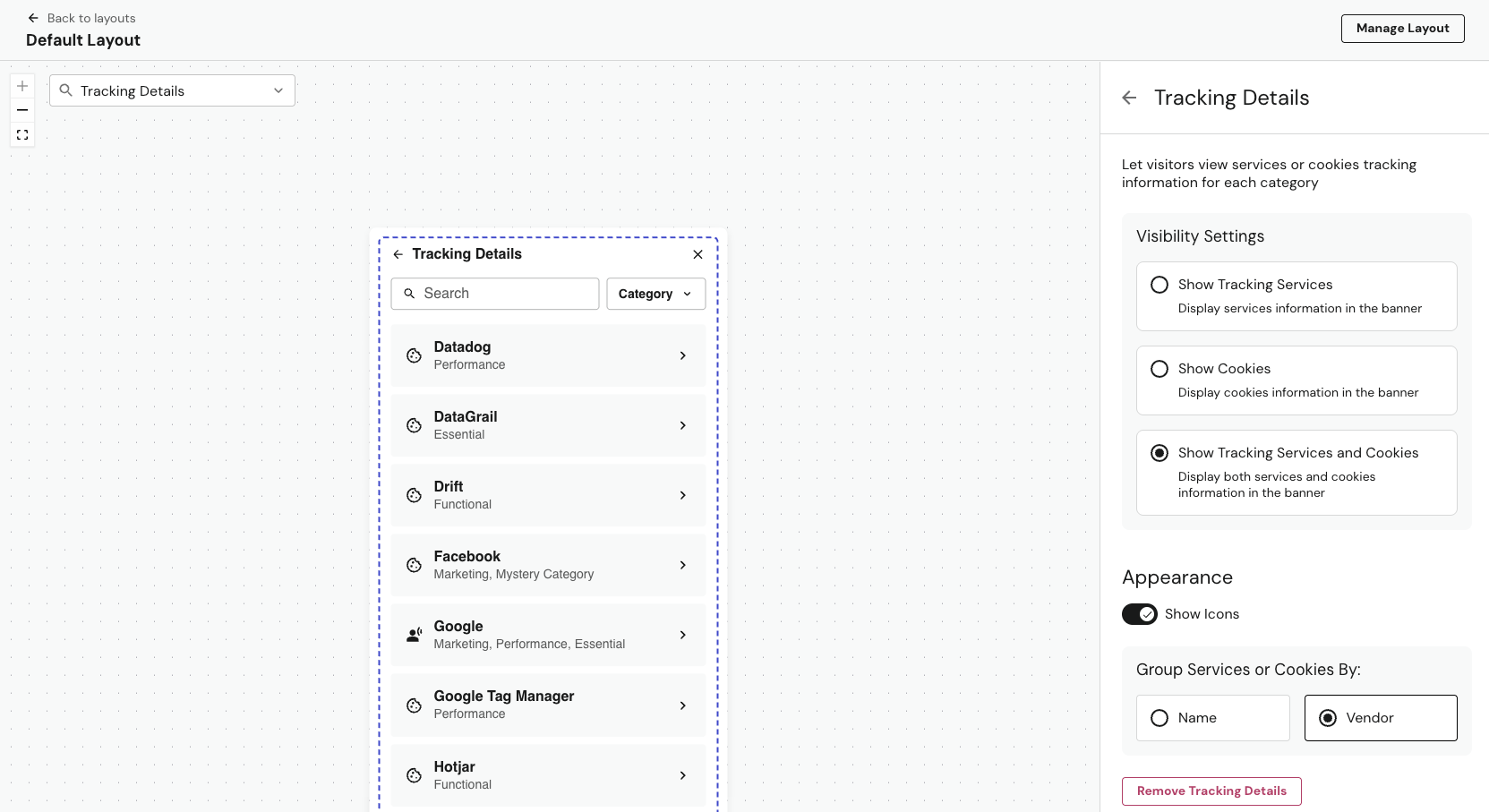
- Consent banner cookies: DataGrail's own banner and TCF cookies now appear as locked, built-in rows in Cookie Rules and in your banner's tracking details, instead of showing up as Unmanaged.
- IAB TCF and GPP signals now report DataGrail's registered IAB CMP ID (470). Republish your consent configuration to apply it.
- Discovered Integrations loads up to 90% faster. The Assessments list and large-volume opt-out submissions are also faster.
🐛 Bugs Squashed
- Resolved an issue where visitors couldn't click anything on your site until they made a consent choice on a bottom-bar or side-panel consent banner. Only the modal layout now blocks the page behind it.
- Resolved issues with consent banners where:
- Publishing one SRI-enabled container could break TCF, GPP, and plugin scripts on your other SRI-enabled containers.
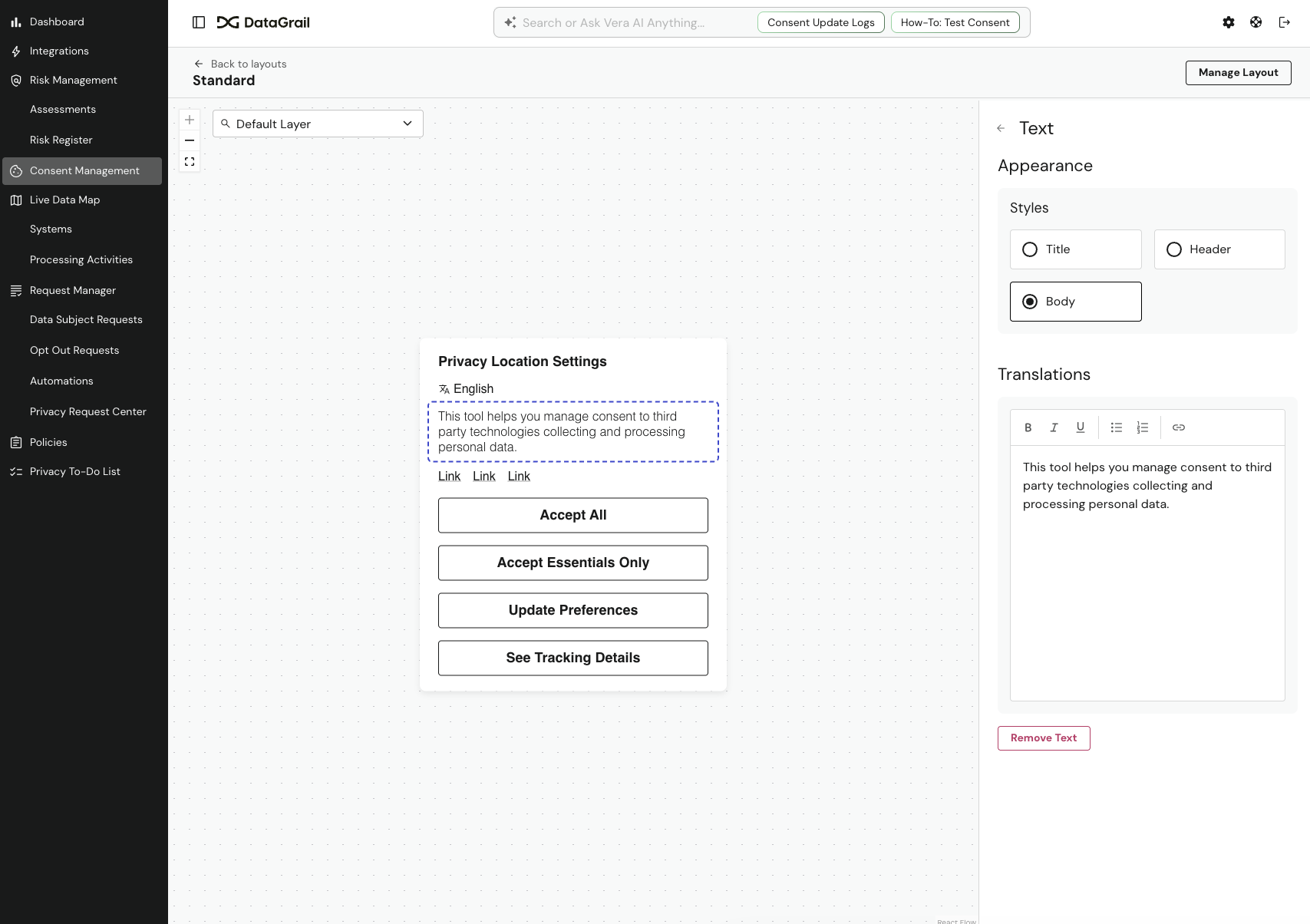
- Enabling a new language overwrote tracking-details link translations.
- Unmanaged and Archived cookie filters failed on high-volume accounts.
- Resolved issues where Discovered Integrations filters failed past the first page, and finished Data Discovery scans could still show "In Progress".
- Resolved an issue where Request Manager Agent API keys stopped working for accounts with multibrand permissions.
- Resolved issues where pasted edits to email templates weren't saved as changes, and weekly detection notification emails could be sent more than once.
Week of October 5
🚀 Features Added
- System Data Reports can now be customized. Admins can select Edit Template to add a Custom Questions section with their own questions, answer types, and options. Changes apply to every system in your inventory, while the standard fields stay locked so your core data map stays consistent.
- Security Audit Logs give Super Admins a searchable, 12-month record of every sign-in attempt and every allowed or denied access decision in your account. Find it under Settings → Security → Audit Log, or pull the logs into your own tools through the public API.
- Dixa is now available as a Request Manager integration, so you can automate Access and Deletion requests against Dixa instead of handling them by hand.
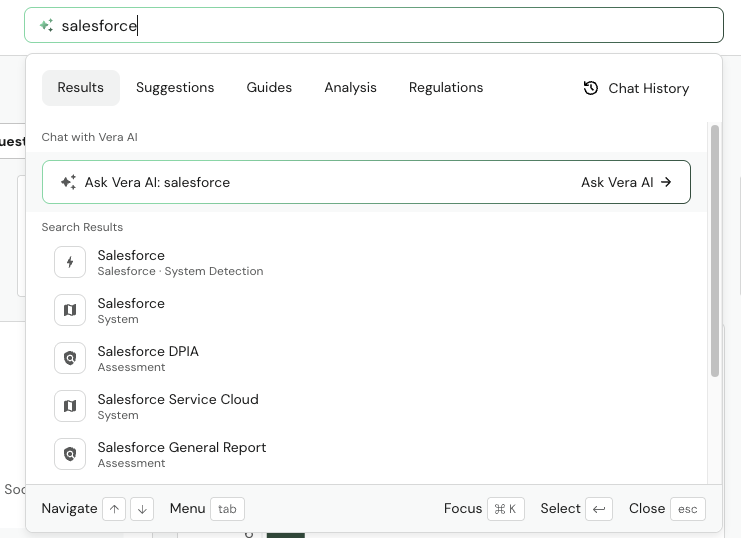
- Vera MCP can now assign, change, or remove system owners and contacts, including in bulk, and inventory searches now show who is assigned.
🛠 Changes Made
- Sensitive personal information (SPI) data categories are now highlighted in yellow in assessments and processing activities, matching the Systems page, so sensitive data stands out during review.
- Greenhouse Access requests now return jobs, rejection reasons, current stage, and offers.
- Salesforce can now find and anonymize Nonprofit Success Pack (NPSP) address records.
- Inbound phone requests now start processing after 1 minute instead of 5.
🐛 Bugs Squashed
- Resolved issues with privacy requests where closing a request didn't record the reason you chose, editing several request policies in a row could disable the Save button, requests could get stuck in Extracting Identifiers, and inbound emails with non-UTF-8 characters were dropped.
- Resolved issues where Email Intake left clear deletion emails unclassified, verification emails could fail to send, and Resend Download Link could time out.
- Resolved issues with assessments where rule pickers mislabeled nested questions, starting from an inbound link didn't show the Submit button, external contributor actions were missing from Change History, and Risk Monitor Admins couldn't open notification settings.
- Resolved issues where consent banner headings could produce invalid HTML and cookie rule patterns couldn't include
$. - Resolved an issue where Arity always created both request types. You can now choose Disclosure or Law Enforcement.
- Resolved an issue where accounts could be blocked from connecting new MCP clients.
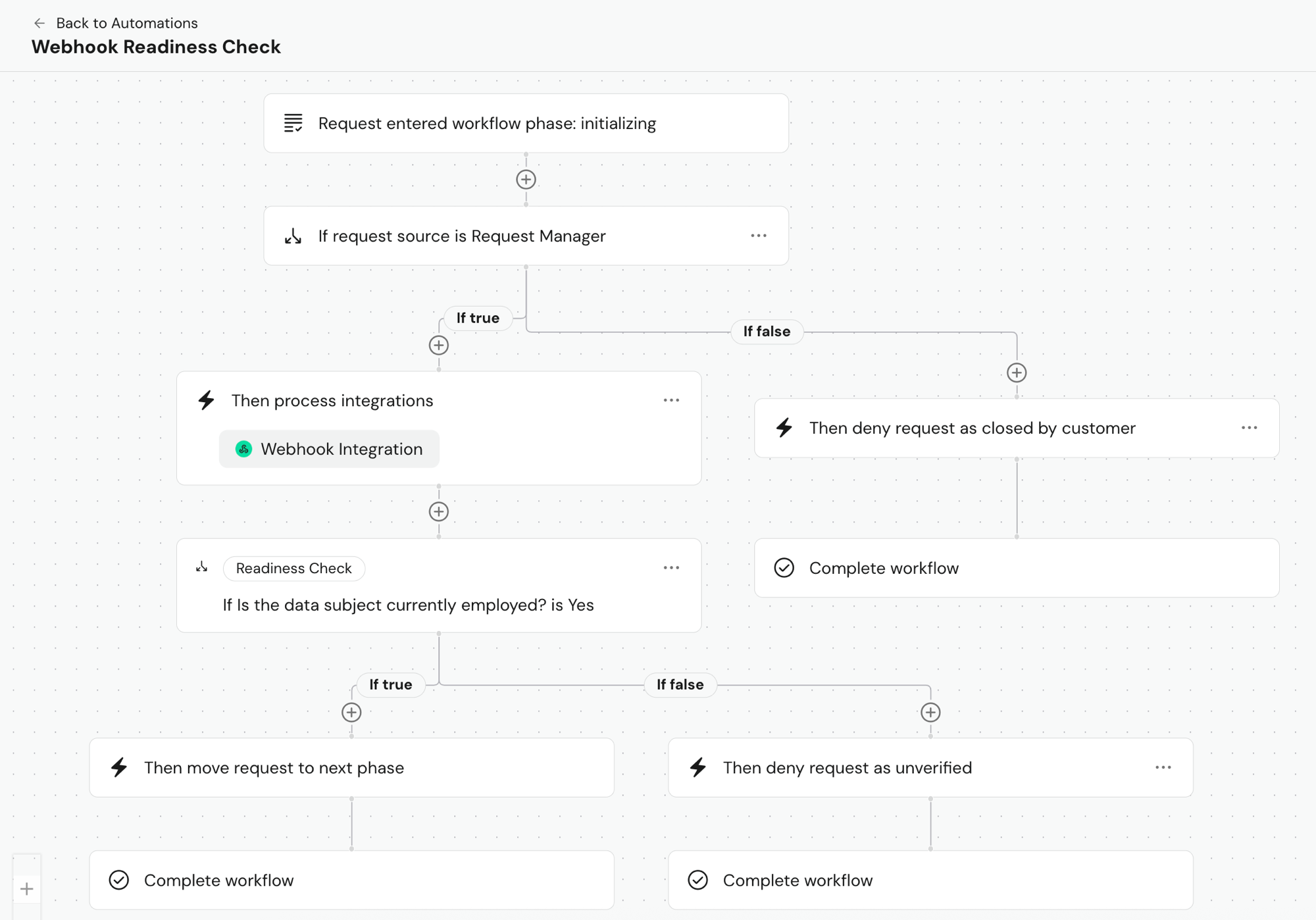
- Resolved an issue where Explain with Vera on a workflow didn't answer from your actual workflow.
- Resolved issues where data broker status uploads could report unfinished records as "not found" or fail on temporary processing errors.
Week of September 28
🚀 Features Added
- Vera can now read images you upload to an assessment — screenshots, data flow diagrams, architecture docs, and more. Vera uses them when suggesting answers and generating "Analyze with Vera" insights, cites each image by file name, and adds an attachment summary describing what it found in the image.
- Forethought is now available as a Request Manager integration, so you can automate Deletion requests against Forethought instead of handling them by hand.
🛠 Changes Made
- Consent log exports are now dramatically faster, so your exports stay reliable and up to date.
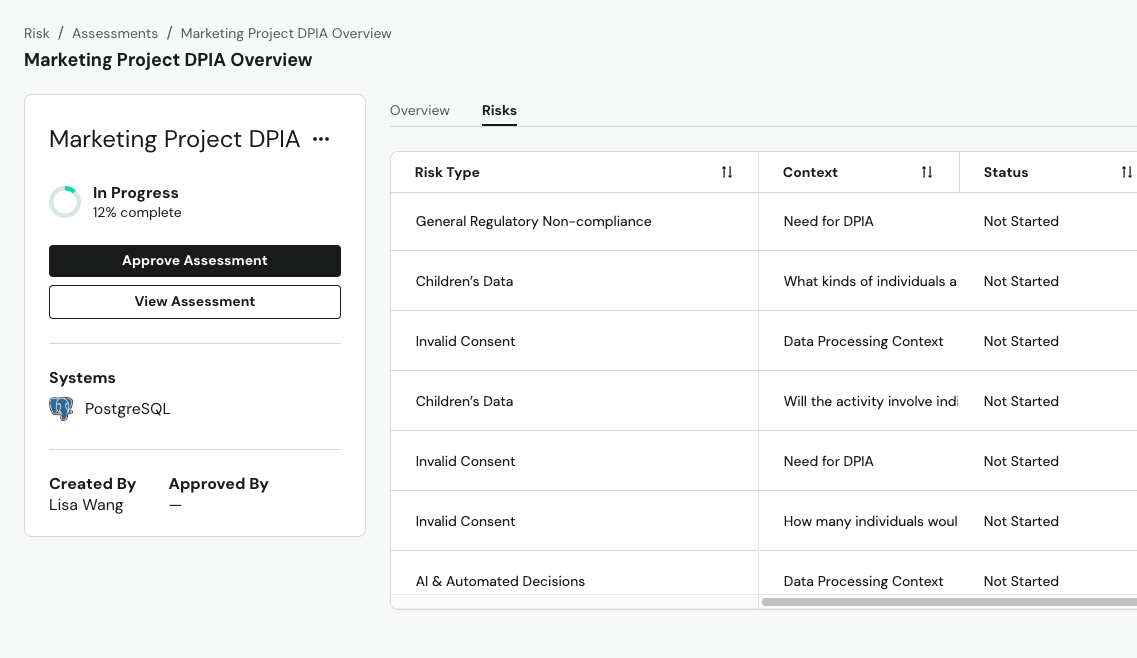
- Detected Risks now show which Vera Skill found each risk, and the Skill Library now separates interactive skills from detection skills.
- Data broker compliance — select any row in the DROP Status table to see its details, including why a CSV upload failed and step-by-step instructions to fix it. Manual uploads now also accept CalPrivacy removal lists, which withdraw earlier deletion requests.
- Zoom now supports additional fields for Field Level Controls.
- Klaviyo now uses Klaviyo's latest API version.
- Salesforce Service Cloud OAuth connections now support PKCE for added security.
🐛 Bugs Squashed
- Resolved an issue where Zendesk field detection could miss newer custom fields on large accounts.
- Resolved an issue where renaming the custom section in a System Data Report template didn't update the System Overview page, and where newly inserted questions could appear out of order.
- Resolved an issue where Adobe Tags stopped syncing daily and Adobe rules weren't gated by their consent category when published. Disabled Adobe rules are now also clearly labeled.
- Resolved an issue where archived request policies could appear in the GTM template and consent interface. Regenerate and republish your GTM template to apply the fix.
- Resolved an issue where Banner Preview with a simulated location didn't apply that location's GTM consent defaults.
- Resolved an issue where saving a cookie rule could fail, and where deleted cookies still appeared under their domains.
- Resolved an issue where a stuck Data Discovery scan could block scheduled scans from running.
- Resolved an issue where request queue deadlines could show as due one day early in US timezones, and where the Data Subject Relationship filter was missing for some customers.
- Resolved an issue where long queries in the Agent query configuration box didn't wrap.
- Resolved an issue where resending a download link didn't reset identity verification, and where Verify Identity could stall when its email was suppressed.
- Resolved an issue where emails for unsupported locales didn't fall back to English.