Integrating Moosend
DataGrail’s Moosend Integration provides data mapping and privacy request functionality allowing your business to do the following:
- Identify Data Subject PII stored in Moosend for automatic fulfillment of privacy requests.
- Delete Data Subject PII stored in Moosend for automatic fulfillment of privacy requests.
**Note: if you do not have admin rights in Moosend you may not be able to complete this integration. Please contact your Moosend Admin for assistance.
Step 1: Gather your Moosend API Token
- Log in to Moosend
- On the upper right corner, click the Settings gear icon >> API Key
- Then choose Copy API Key
Step 2: Connect Moosend
- Return to DataGrail (should already be open in separate tab)
- Locate Moosend and click Connect
- Enter the API Key obtained from Step 1 in the connection window as seen below
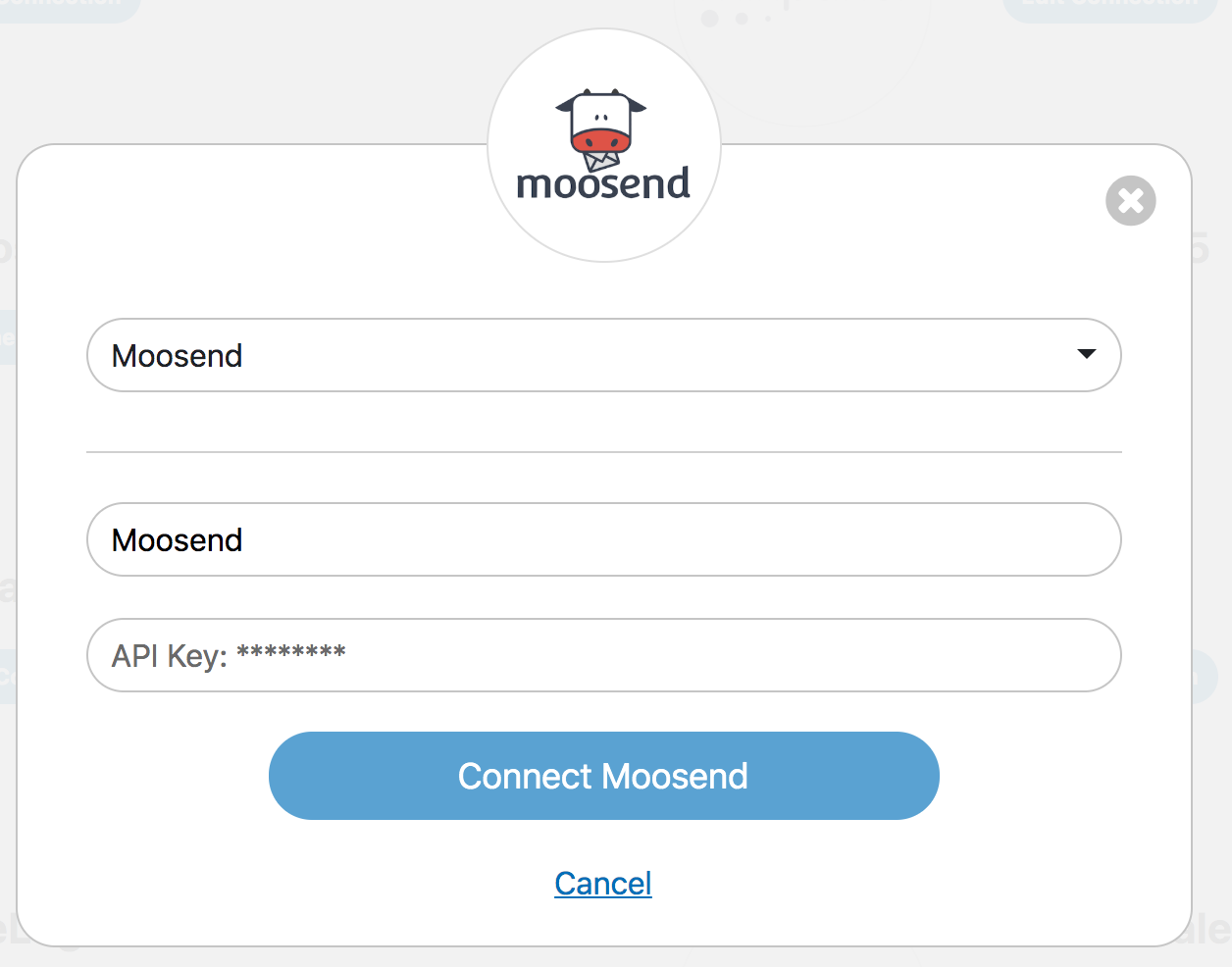
- Finally, click Connect Moosend
- When connected, the integration will have a green check mark
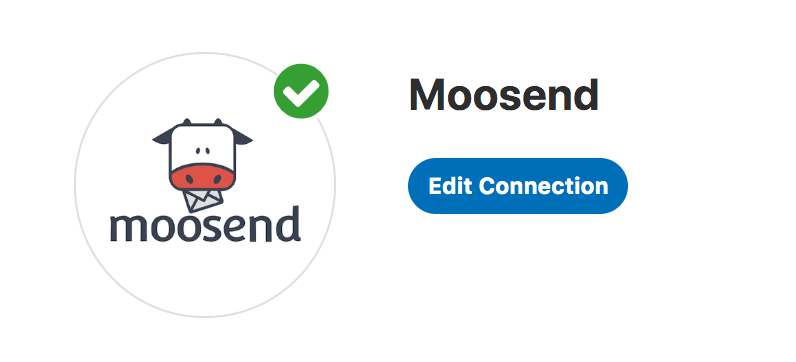
- In DataGrail, if you have any other integrations not connected (no green check mark) please click Connect to complete the configuration and reference the Help Docs link for instructions
For more information on API endpoints/specifications and DataGrail functionality, please view our API Integration Documentation.
Need help?
If you have any questions, please reach out to your dedicated Account Manager or contact us at support@datagrail.io.
Disclaimer: The information contained in this message does not constitute as legal advice. We would advise seeking professional counsel before acting on or interpreting any material.