Integrating Retention Science
DataGrail’s Retention Science Integration provides data mapping and privacy request functionality allowing your business to do the following:
- Identify Data Subject PII stored in Retention Science for automatic fulfillment of privacy requests.
- Delete Data Subject PII stored in Retention Science for automatic fulfillment of privacy requests.
**Note: if you do not have admin rights in Retention Science you will not be able to complete this integration. Please contact your Retention Science Admin for assistance.
Step 1: Get an Retention Science API Key
To obtain an API Key, please get in touch with your Retention Science Client Success Manager or contact help@retentionscience.com
Step 2: Connect Retention Science
- Log in to DataGrail.
- Click Connect within the Integration page for Retention Science.
- Enter the API Key obtained from Step 1.
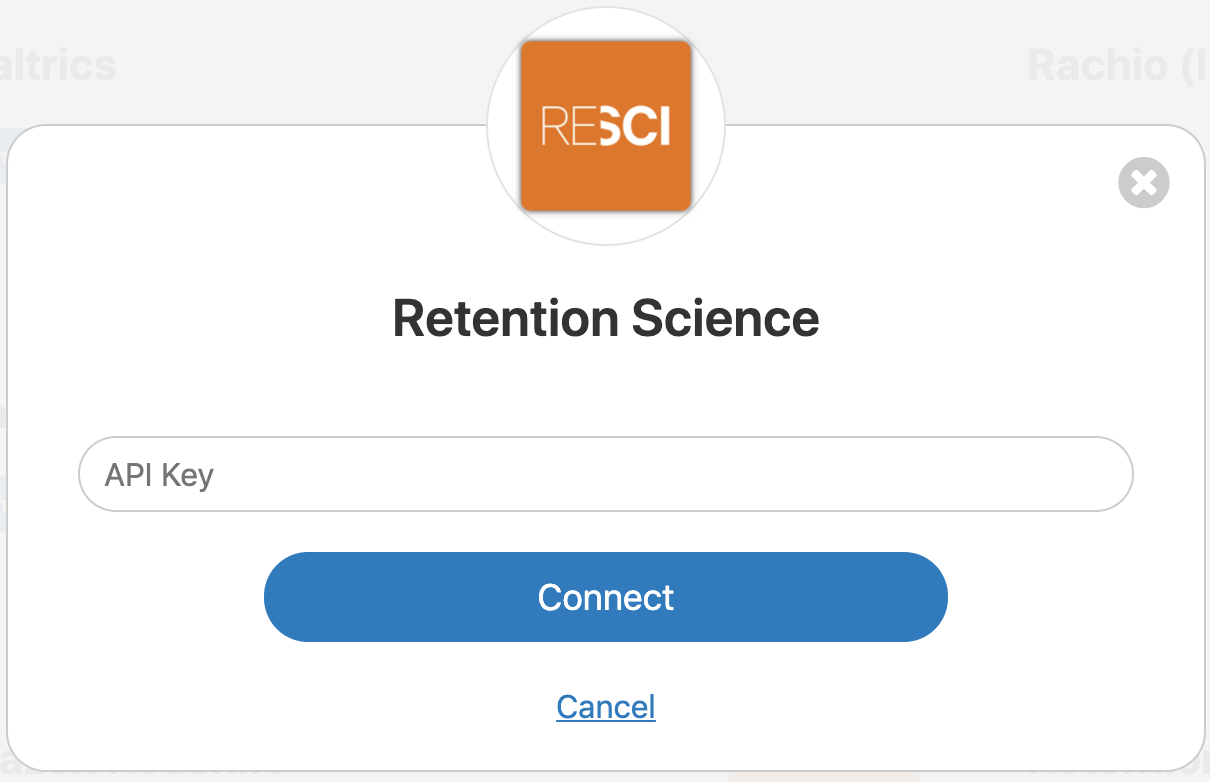
- Click Connect Retention Science.

- If there are additional Retention Science accounts to integrate follow these instructions:
-
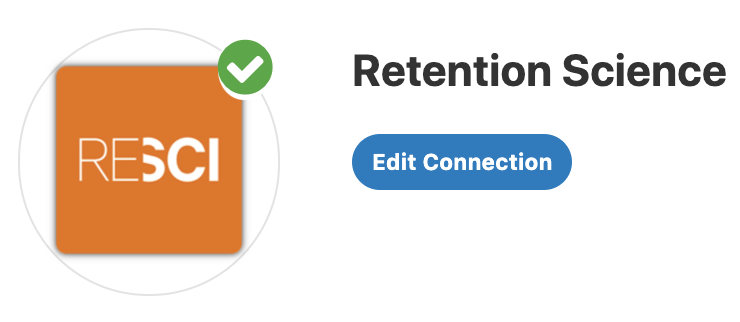
Click Edit Connection within the Integration page for Retention Science.
-
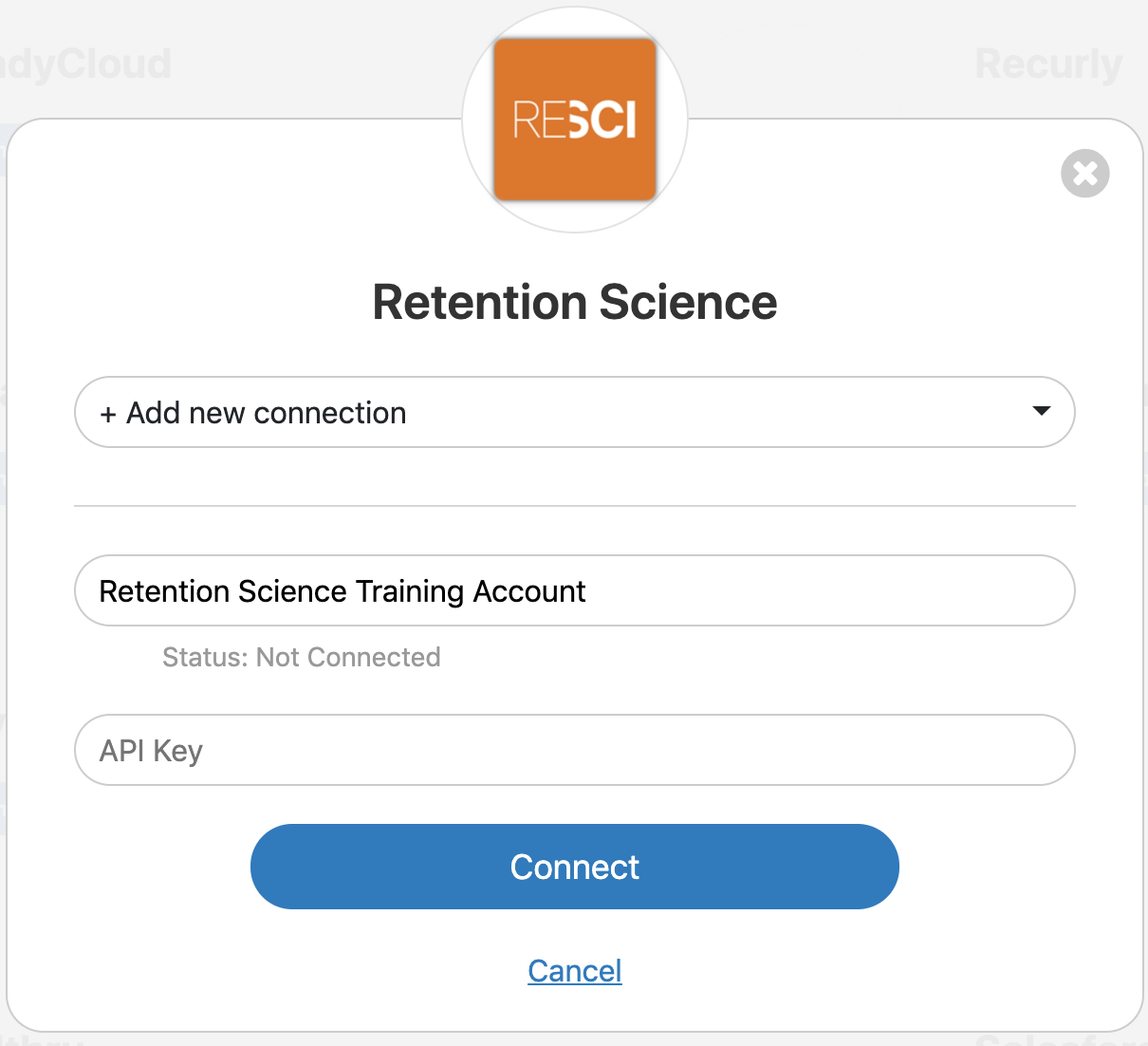
From the drop-down, select +Add New Connection.
-
Under Connection Name, enter a new name to identify this separate account (ex: Retention Science Training Account).
-
Repeat Step 1 to get the API Key for this new account.
-
Enter the API Key obtained from Step 1.
-
Click Connect.
-
- In DataGrail, if you have any other integrations not connected (no green check mark) please click Connect to complete the configuration and reference the Help Docs link for instructions
Disclaimer: The information contained in this message does not constitute as legal advice. We would advise seeking professional counsel before acting on or interpreting any material.