Integrating Revolve
DataGrail’s Revolve Integration provides data mapping and privacy request functionality allowing your business to do the following:
- Identify Data Subject PII stored in Revolve for automatic fulfillment of privacy requests.
- Delete Data Subject PII stored in Revolve for automatic fulfillment of privacy requests.
note
If you do not have admin rights in Revolve you will not be able to complete this integration. Please contact your Revolve Admin for assistance.
Step 1: Get Revolve Username and Password
Obtain a Username and Password from Revolve Support.
Step 2: Connect Revolve Internal
-
Log in to DataGrail
-
Click Connect within the Integration page for Revolve Internal.
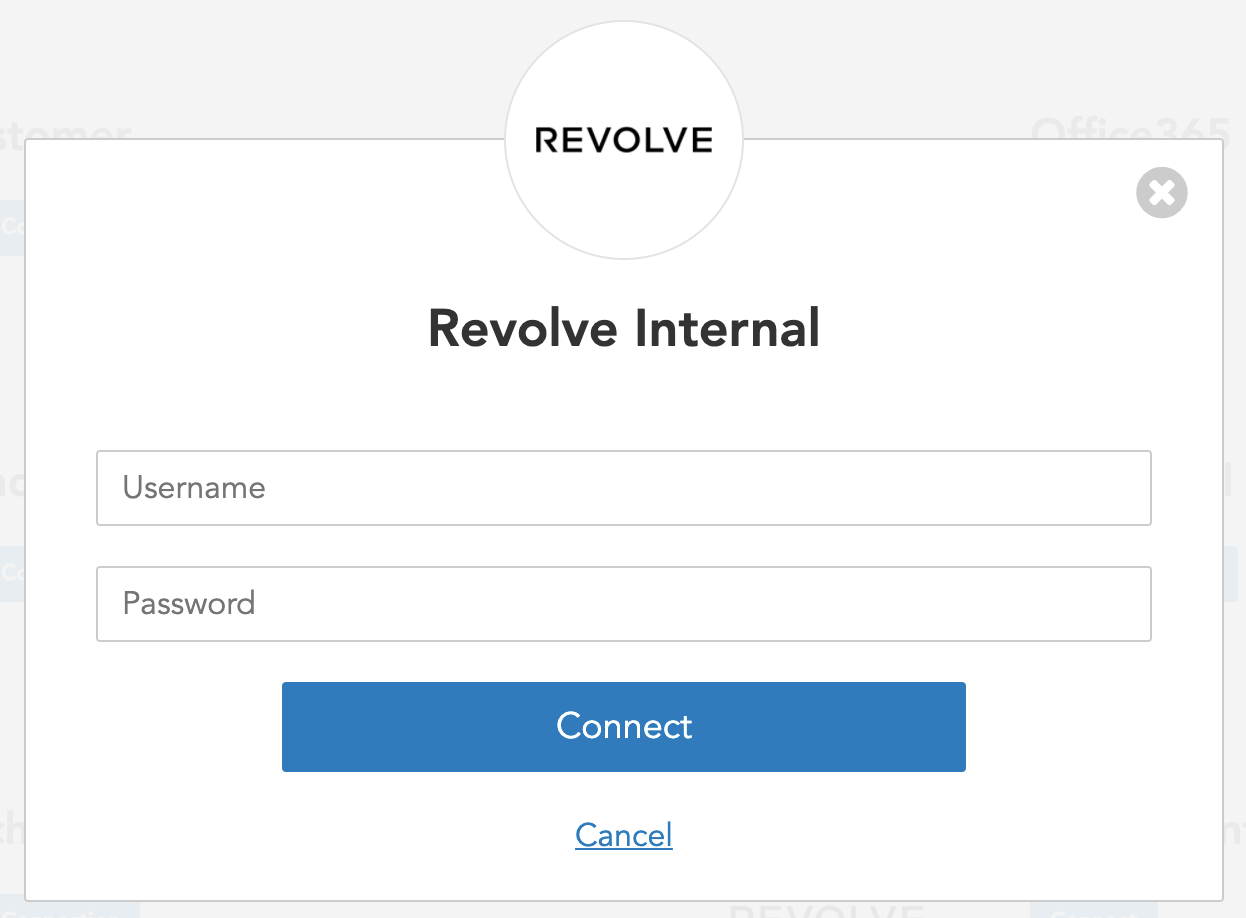
- Enter Username and Password obtained from Step 1.
- Select your desired Asynchronous Deletion Behavior.
- Mark integration as complete when a deletion request is successfully submitted: The Revolve Integration will be marked as "complete" as soon as the deletion request is submitted to Revolve.
- Continue processing until the deletion request is completed (default behavior): The Revolve Integration will show a "processing" status until the Revolve deletion is complete.
- Click Connect

Need help?
If you have any questions, please reach out to your dedicated Account Manager or contact us at support@datagrail.io.
Disclaimer: The information contained in this message does not constitute as legal advice. We would advise seeking professional counsel before acting on or interpreting any material.