Integrating SimpleTexting
DataGrail’s SimpleTexting Integration provides data mapping and privacy request functionality allowing your business to do the following:
- Identify Data Subject PII stored in SimpleTexting for automatic fulfillment of privacy requests.
- Delete Data Subject PII stored in SimpleTexting for automatic fulfillment of privacy requests.
**Note: if you do not have admin rights in SimpleTexting you will not be able to complete this integration. Please contact your SimpleTexting Admin for assistance.
Step 1: Create a SimpleTexting API Key
- Log in to SimpleTexting
- On the bottom left corner, click Your Name >> Profile & Settings.
- In the top-left navigation, select the API tab
- If necessary, you may need to contact SimpleTexting to enable API access. You'll see a message like: Please contact us to request API access.
- Once approved, copy the API Token temporarily in a secure location

- Visit
https://app2.simpletexting.com/subscribersand make not of all non-private lists (without the lock). For example, in the list above, we'd note test and DG test
Step 2: Connect SimpleTexting
- Return to DataGrail (window should be open in separate tab)
- Enter the API Key obtained from Step 1
- Enter the set of comma-separated lists in Step 1.6 above. For example: list one, another list, etc
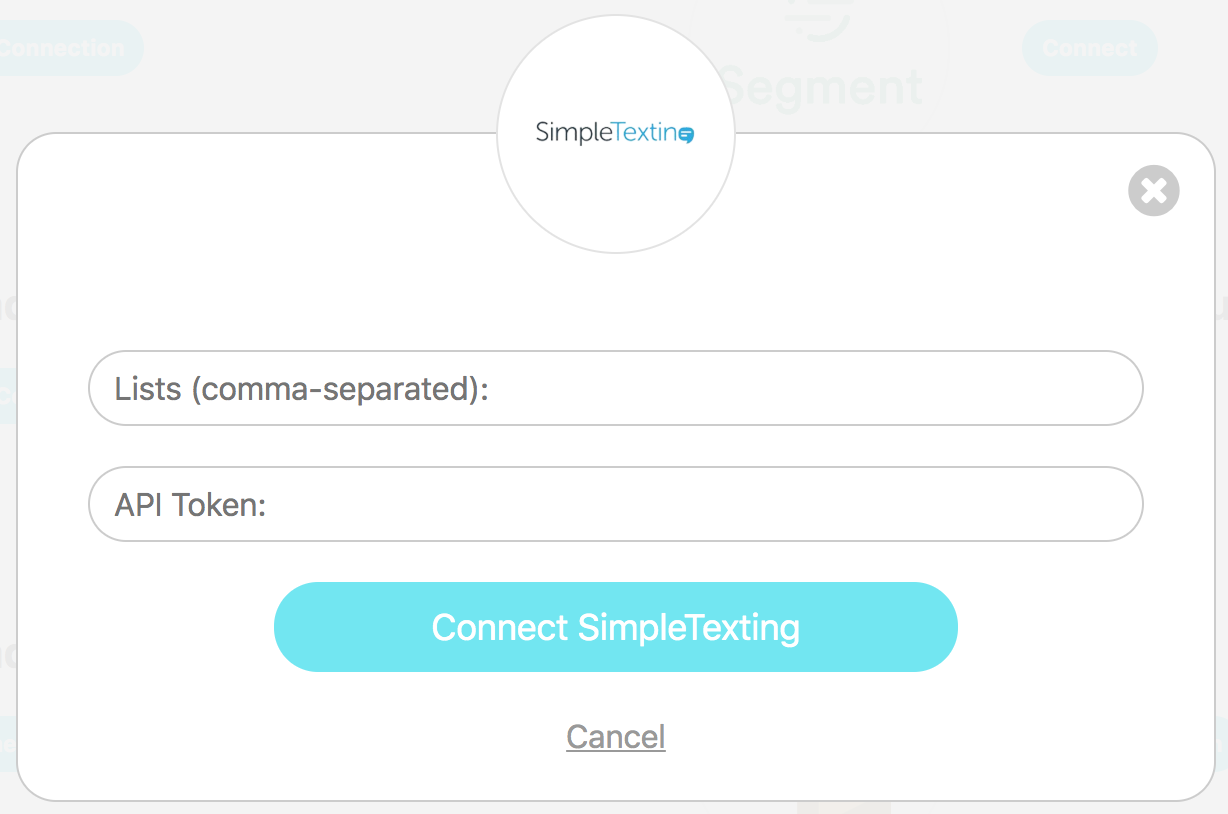
- Click Connect SimpleTexting
Need help?
If you have any questions, please reach out to your dedicated Account Manager or contact us at support@datagrail.io.
Disclaimer: The information contained in this message does not constitute as legal advice. We would advise seeking professional counsel before acting on or interpreting any material.