Overview
Vera is an AI-powered privacy agent built on a foundation of responsible design principles, providing always-on guidance and operational assistance as an embedded extension of your team. Vera can be used by your team via a chat interface, or by taking select actions within the product that leverage Vera's capabilities.
Vera is built on the DataGrail platform, allowing it to uniquely deliver:
- Context-aware guidance: Combines industry-leading connectivity, an extensive metadata library, and privacy AI to make actionable recommendations specific to your DataGrail environment.
- Customer-specific insights: Get a comprehensive sense of risk across the entire platform, underscored by the Risk Register.
- Unrivaled security and trust: Built on a secure, isolated AI agent architecture to deliver zero external training exposure, 100% isolation, time-limited access, sensitive field redaction, and more.
Examples of Vera in Use
Here are some example prompts organized by what you're trying to accomplish.
| Category | Description | Example prompts |
|---|---|---|
| Understanding your data | Analytics, trends, summaries, risk awareness |
|
| Managing your workload | Task prioritization, items needing attention |
|
| Getting guidance | Onboarding, regulations, form completion, documentation |
|
| Monitoring operations | Integration health, system detection, activity tracking |
|
Vera also powers several automated capabilities across the DataGrail platform. See Vera Capabilities for details on automated cookie classification, AI risk detection, suggested processing activities, integration error troubleshooting, and assessment autofill.
See Vera in action
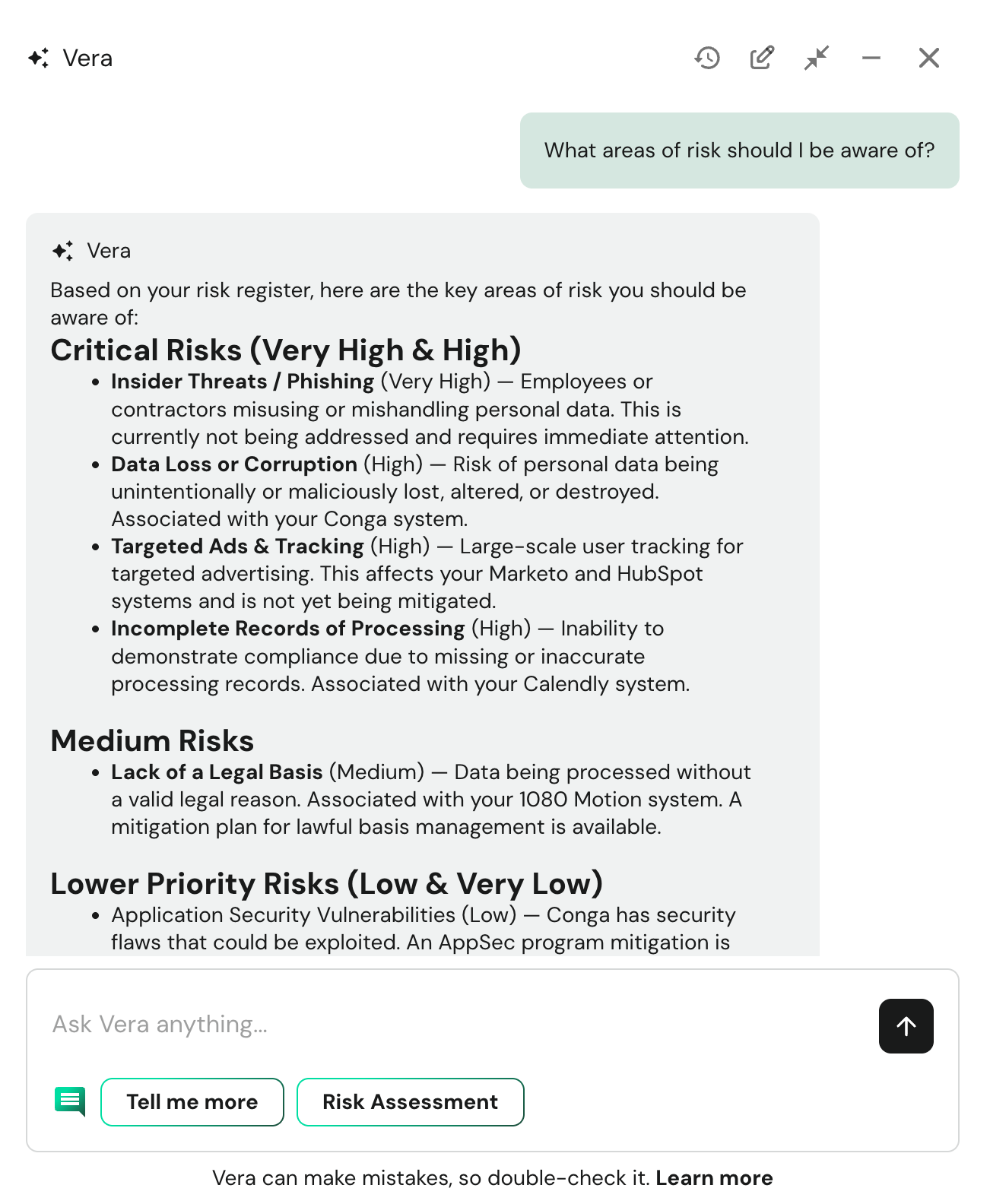
Prioritizing tasks - Vera can help you prioritize the tasks you need to work on, within each product or across the products as they relate to the risk they mitigate across your organization.
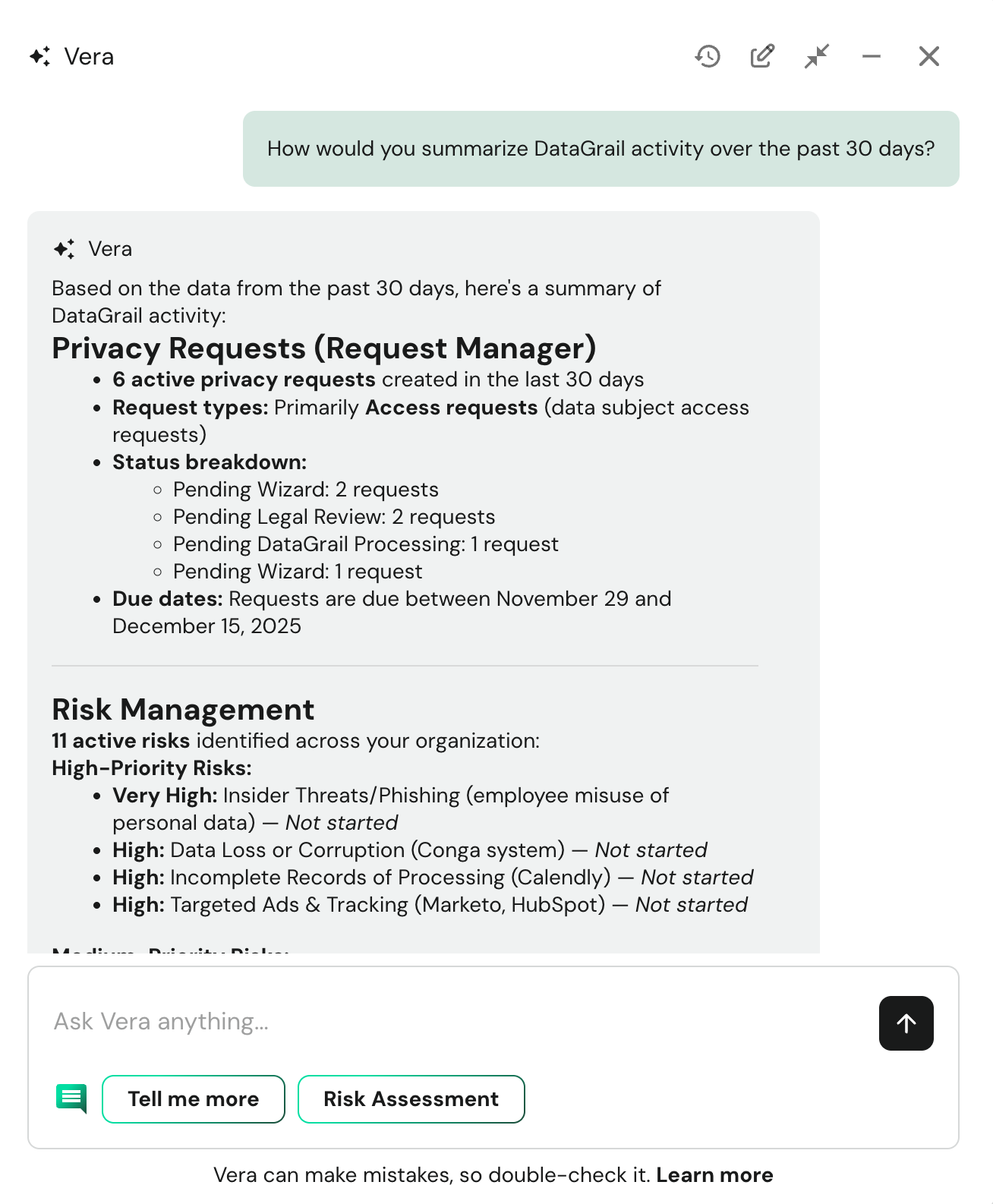
Summarizing activities - Vera can summarize the information you are currently looking at on a page to provide some context and unique reports specific to your needs.
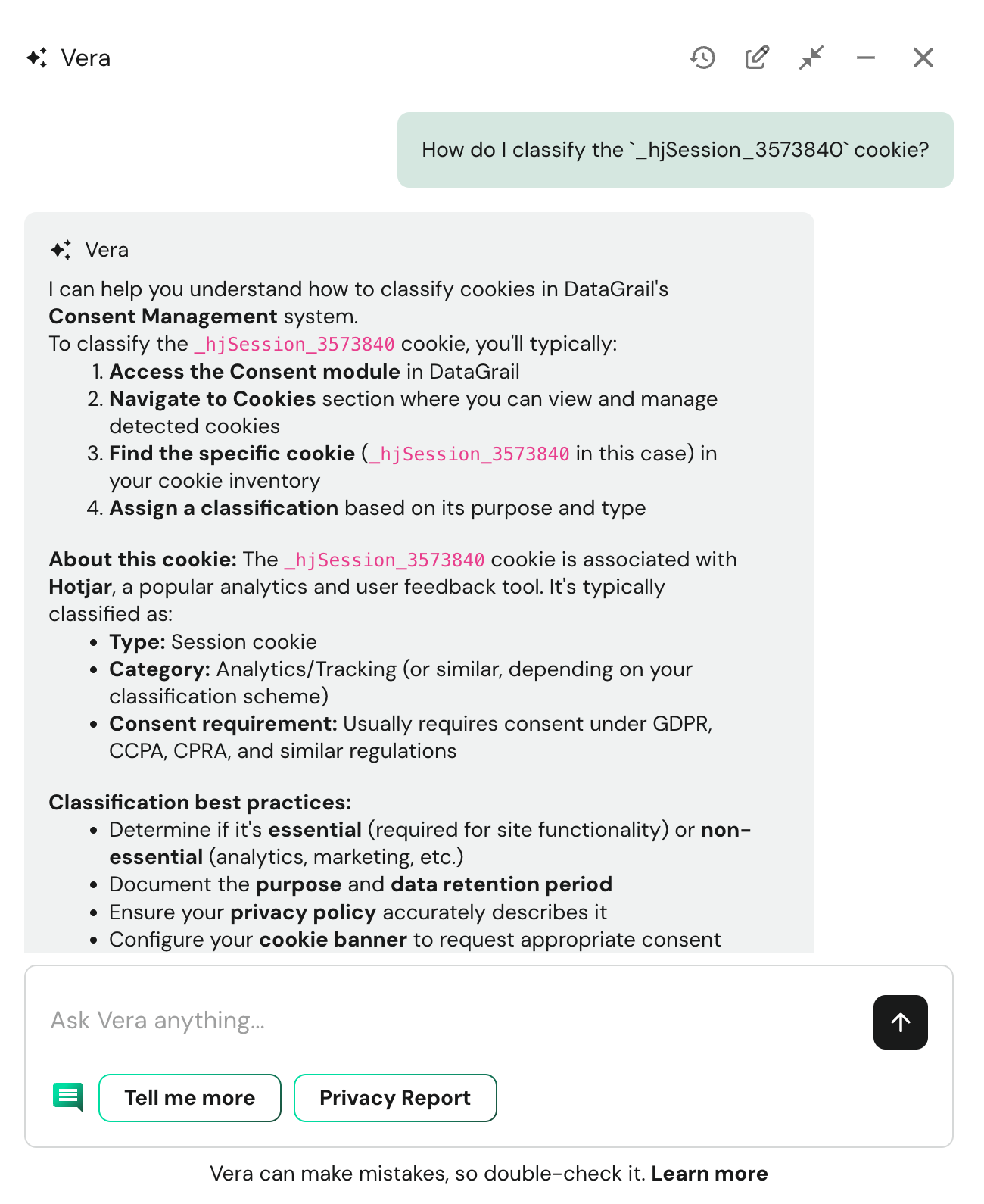
Suggesting updates - Vera can suggest answers for risk assessment questions, define fields in a RoPA, categorize cookies, and more — including full AI-powered assessment autofill.
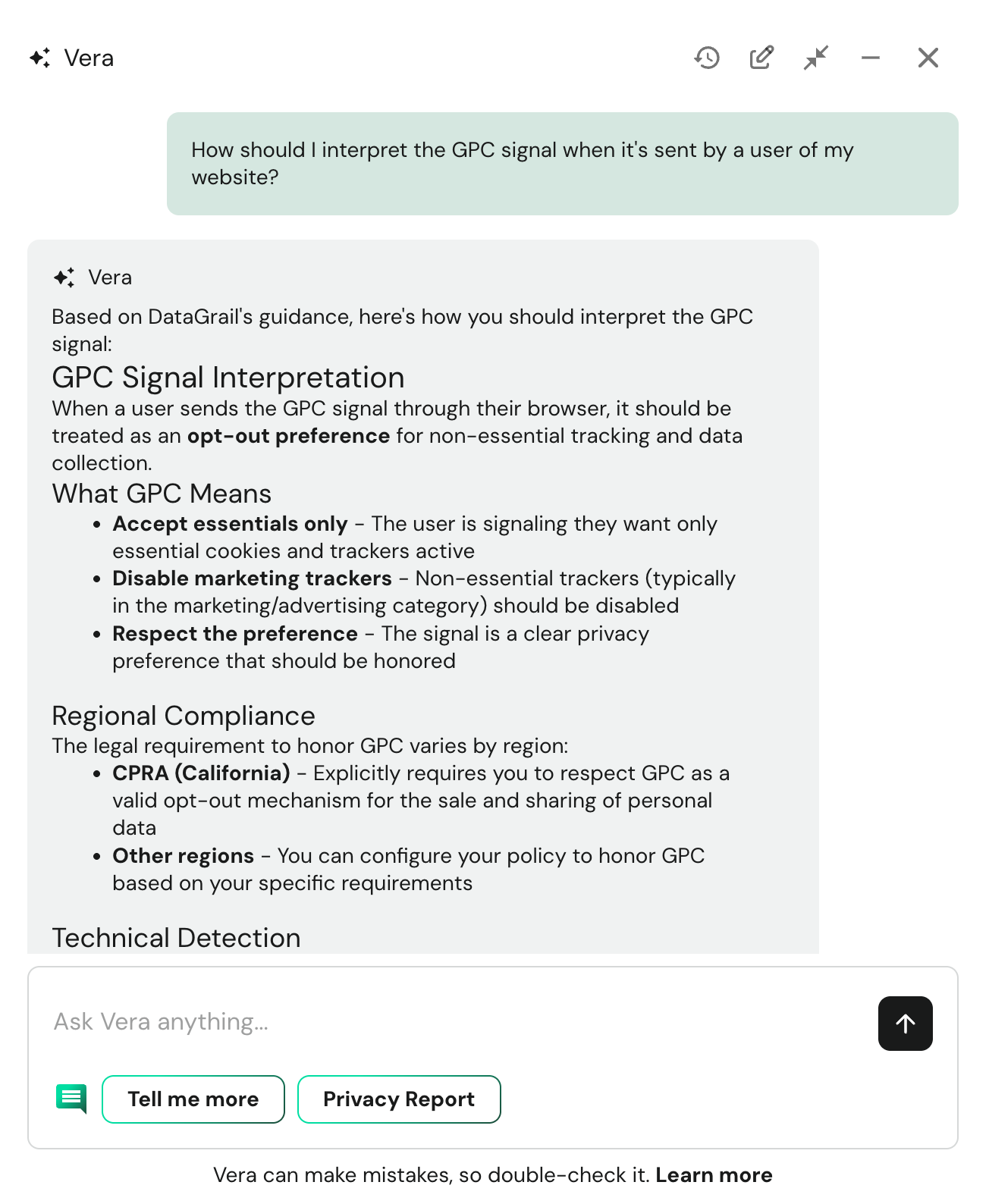
Regulation summaries - Vera can provide insights and overview into various legal frameworks, such as the CCPA and GDPR.
If you come up with more, please share them in the Privacy Basecamp!
Privacy & Security
Vera is built with a security-first and privacy-by-design architecture — strict tenant isolation, permission inheritance, no training on customer data, and full auditability. Learn more about how Vera keeps your data secure in Privacy & Security Standards.
Slack Integration
Vera is also available directly in Slack, allowing your team to get privacy guidance without leaving their primary communication tool. Learn how to connect your workspace and manage user access in Slack Integration.
External AI Tools (MCP)
DataGrail also offers a Model Context Protocol (MCP) server that can connect to external AI tools and agents as part of your overall business operations. Request MCP access by speaking with your account manager. Learn more about the DataGrail MCP here.
Providing Feedback
Generative AI models can make mistakes in their responses, misinterpret inputs, or veer off course in conversations. While we continue to take steps in reducing these issues, they may pop up from time to time. If you see a response that doesn't meet your expectations, use the feedback buttons to let us know when Vera misses the mark. This input helps us refine Vera's responses and guide how it uses the context it receives from your messages.
Periodically, we will request more detailed feedback on inaccurate responses. Please specify what you expected and what Vera returned.
Disclaimer: The information contained in this message does not constitute as legal advice. We would advise seeking professional counsel before acting on or interpreting any material.